Construct — The operating system for the age of AI
There's a Space for that.
Install one for sales. Install one for support. One for routes, one for revenue, one for the messy thing your team does that no SaaS ever got right. Open it, and the Operator gets to work inside.
The Shift
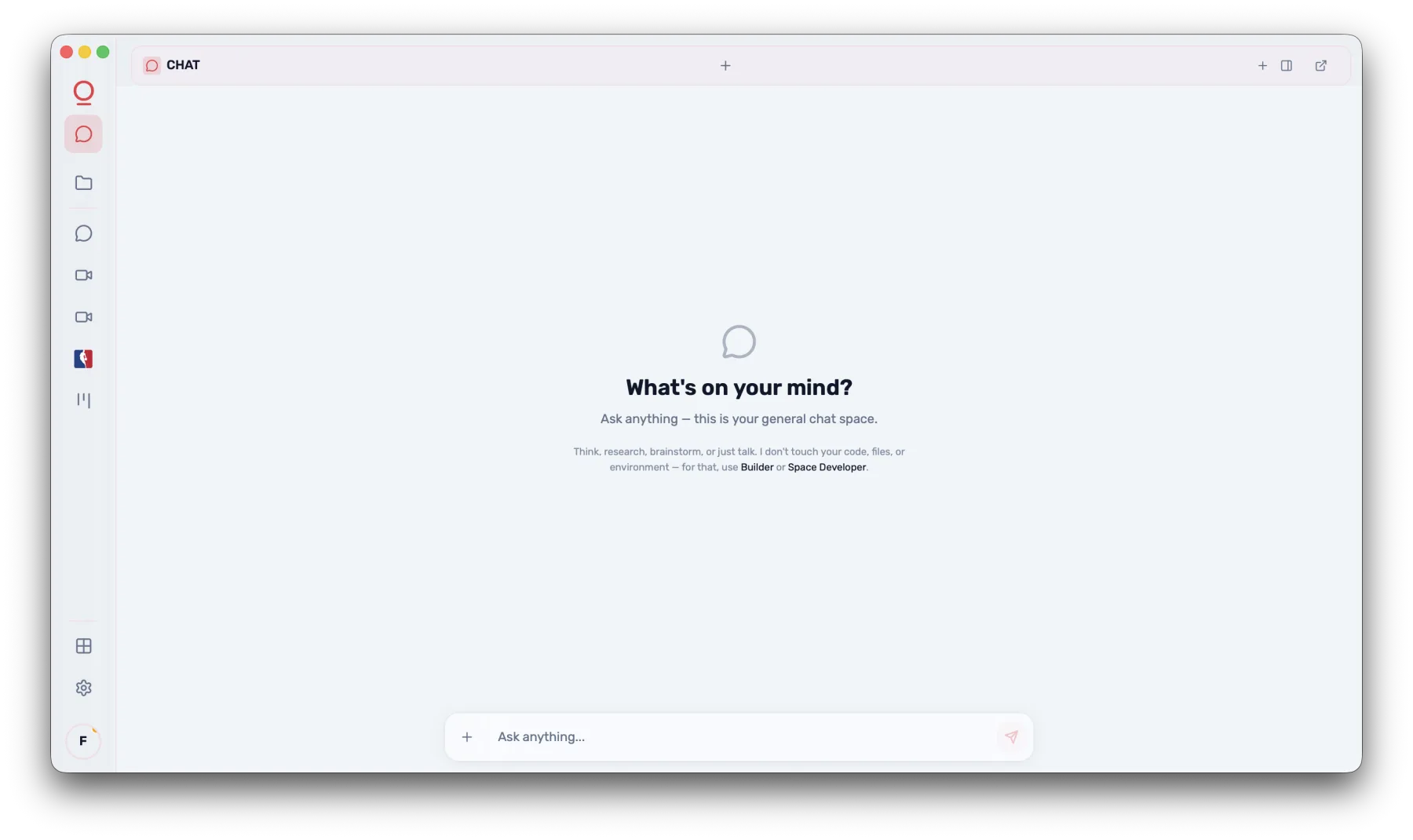
Chat was the first interface for AI.
This is the next one.
Real work is not one conversation. Support, sales, operations, coding, finance, notes, and logistics each need different interfaces, tools, memory, permissions, and automations. So you install one for each, and switch between them like you switch between anything else on your computer.
Yesterday
One chatbox for everything. Same UI for every job. Tools bolted on. Memory vague. Agents hidden somewhere behind a slash command.
Today, in Construct
Open the Space for the job. Its interface fits the job. Its Operator already knows the job. Done with sales, switch to support — same icons, same dock, different room.
Underneath
One operating layer carries identity, memory, models, tools, permissions, and the Operator across every Space you open.
Why Spaces
Not one assistant. An OS full of AI-native apps.
The contrast that defines Construct.
Inside a Space
One system. Many purpose-built apps.
Each Space has its own interface, its own memory, its own tools, and its own Operator. The system underneath is shared — identity, models, permissions, files, automations.
Space Store
An app store for AI-native work.
Install Spaces from the Space Store, build your own with the SDK, and let the Operator help inside each one with the right context and capabilities.
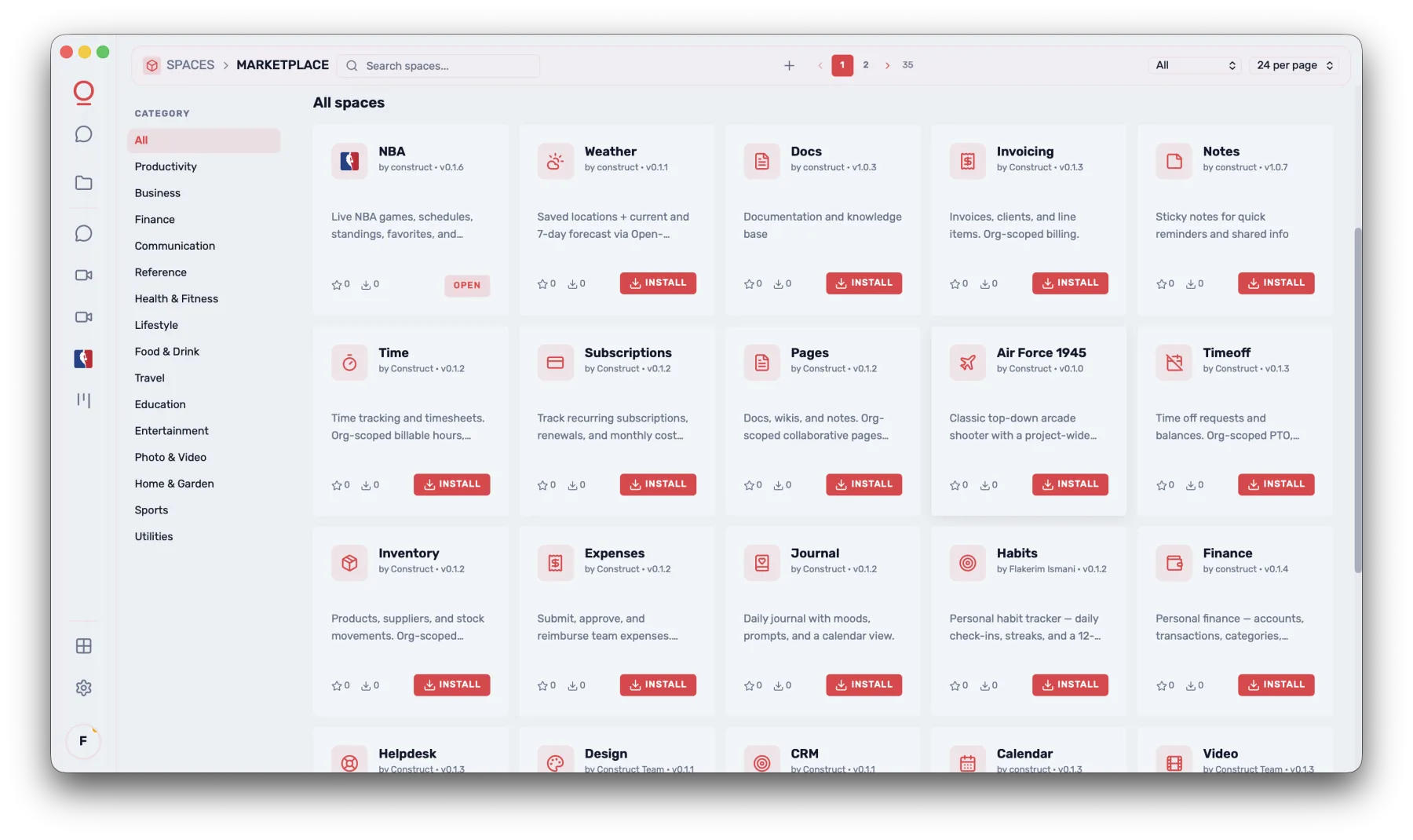
The Spaces Space Store inside Construct. Category sidebar on the left (Productivity, Business, Finance, etc.), a grid of Space cards with icon, name, version, short description, and an Install button. Mix of installed and not-yet-installed Spaces.
/shots/spaces-launcher.pngEach Space inherits identity, models, memory, tools, and the Operator. Build once, runs everywhere.
SDK
Build a Space in an afternoon.
Spaces are Vue 3 plugins. The SDK gives you Graph, Operator, identity, files, and actions. The CLI scaffolds, builds, and publishes. A hospital builds patient records. A law firm builds contract review. Same platform.
Eating our own dogfood
We built a Space to build Spaces.
SpaceKit is the Space we use to scaffold, edit, preview, and publish every other Space — including itself. Same SDK as yours. Same Operator. Same OS. If it is good enough to ship the platform, it is good enough to ship your workflow.
- 01Scaffold from a manifest.Pick a name, an icon, and the capabilities the Space needs. Operator drops the boilerplate.
- 02Edit in-Space, with help.The coding view opens beside the manifest. Operator pairs alongside, scoped to the Space being built.
- 03Preview live, in another Space.Hot-reload the new Space in a sibling window. Real OS, real identity, real Operator — not a sandbox lie.
- 04Publish where it belongs.Public Space Store, private to your org, or scoped to one project. One command, three audiences.

The SpaceKit Space inside Construct. Left rail: Manifest, Code, Preview, Publish. Center pane shows a live edit on a sample Space (e.g. Notes), right pane shows the preview rendering in a sibling window. Operator panel summoned, scoped to the Space-in-progress, suggesting a missing capability declaration. Reads as: same OS, same Operator, recursive.
/shots/space-developer.pngSpaceKit is open to anyone with a free Construct install. The SDK documents what is under it; the developer portal is where Spaces are listed once published.
The future is not one assistant.
It is an operating system full of AI-native apps.
Free to use. Open SDK. Built for every team that does real work.