Its own interface
A real UI for the job — boards, queues, dashboards, editors. Whatever the work needs.
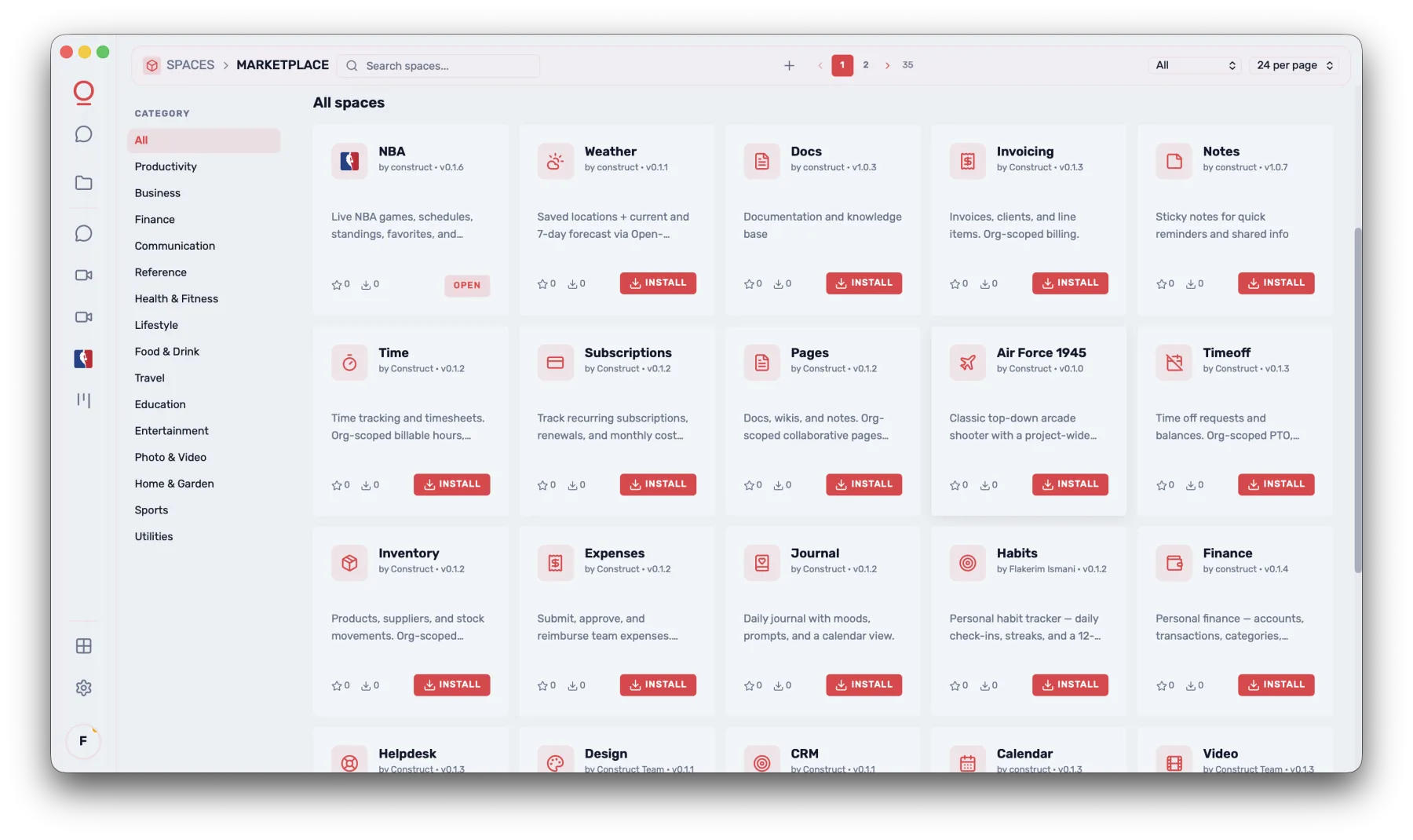
Spaces
Sales has its own. Support has its own. Routes, revenue, code, notes, the messy thing nobody built software for — each gets its own. Browse what's installed, add what isn't, and switch between them like rooms in a house.
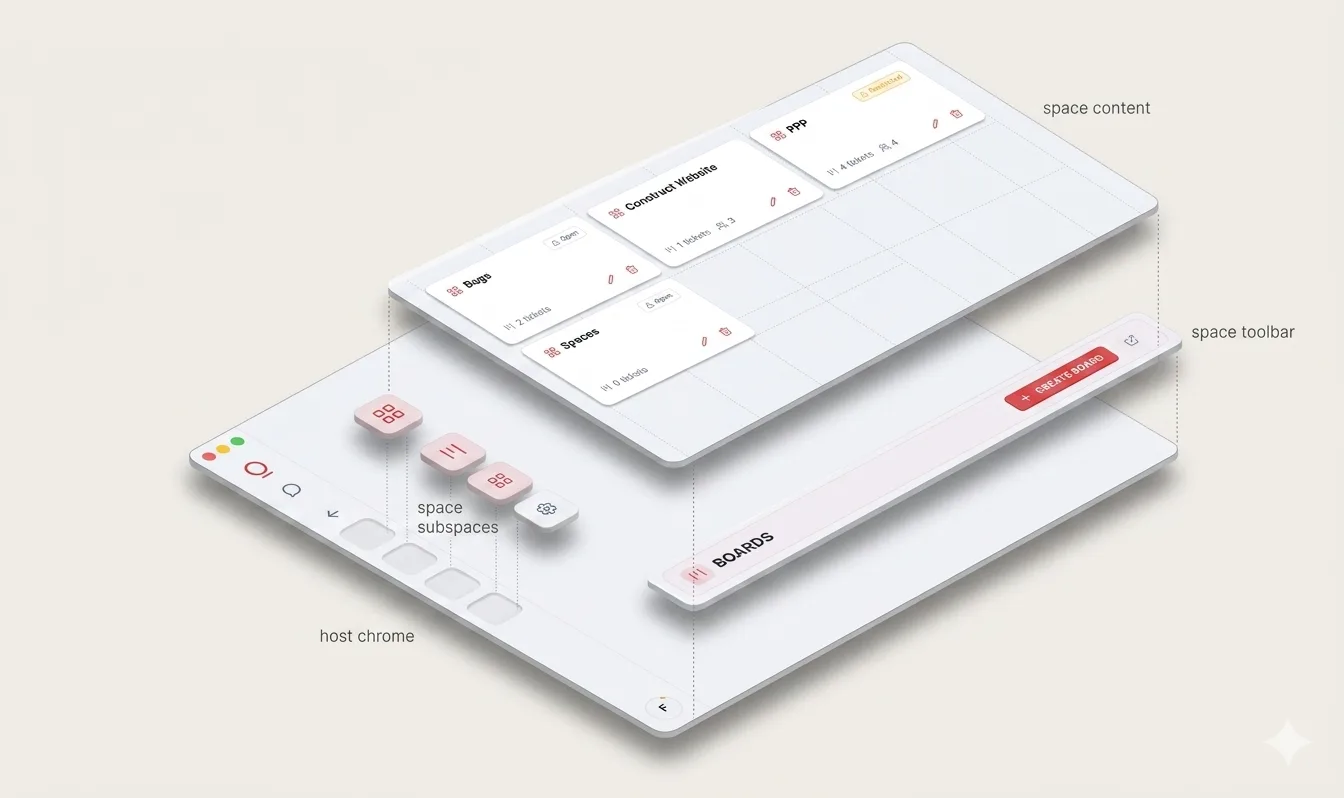
Anatomy
Four layers — the host chrome you sign in to, the subspaces rail, the toolbar, and the content surface. Every Space is a stack of these, tuned to its workflow.
Built in
The Spaces that ship with the OS — the equivalent of what comes in the box. Anything beyond these comes from the Space Store.
For everyone
When you are in an org
Everything else comes from the Space Store.
Underneath
Identity, memory, models, tools, permissions — handled once at the OS level. Spaces compose against them instead of reinventing them.
A real UI for the job — boards, queues, dashboards, editors. Whatever the work needs.
An AI that knows this Space, its data, its actions. Not a generic chatbot dropped on top.
Decisions, files, recent state, preferences — kept inside the Space, carried turn to turn.
Sign in once, access lives at the system level. Spaces inherit from the OS, not the other way around.
Read-only, run-tools, auto-execute — Spaces declare what they need, you decide what to grant.
Public on the Space Store, private to your org, or scoped to a single project. Same SDK either way.
Featured
Real, opinionated surfaces — not blank canvases pretending to be flexibility. Take any of these as-is, fork it, or use it as a template.
Plan routes, assign drivers, and let the Operator catch failures the moment they happen.
Triage incoming tickets, draft replies in your voice, and close the loop without leaving the queue.
A pipeline that updates itself, with the Operator suggesting next steps on every card.
The day-to-day of running a team — checked, scheduled, and chased without a separate app.
More Spaces
Browse everything published — productivity, finance, ops, games, and more — install in a click, or build the one nobody made yet.